AgentsUpdated October 2026
The ChatGPT Dots Playbook
An always-on agent inside ChatGPT, built for work that does not fit in one chat.
OpenAI officially calls them dots: persistent agents powered by GPT-6 Astra, each with a cloud computer and the ability to keep working between conversations. This playbook explains access, setup, useful business and personal jobs, launch-week evidence, and the approval boundaries to set before a dot can act in the outside world.
Start reading

Ryan Drake
Founder, Ential · Updated October 2026 · 9 min read
01. What Dots Actually Are
The official styling is “dots”. ChatGPT Dots is the clearer public label.
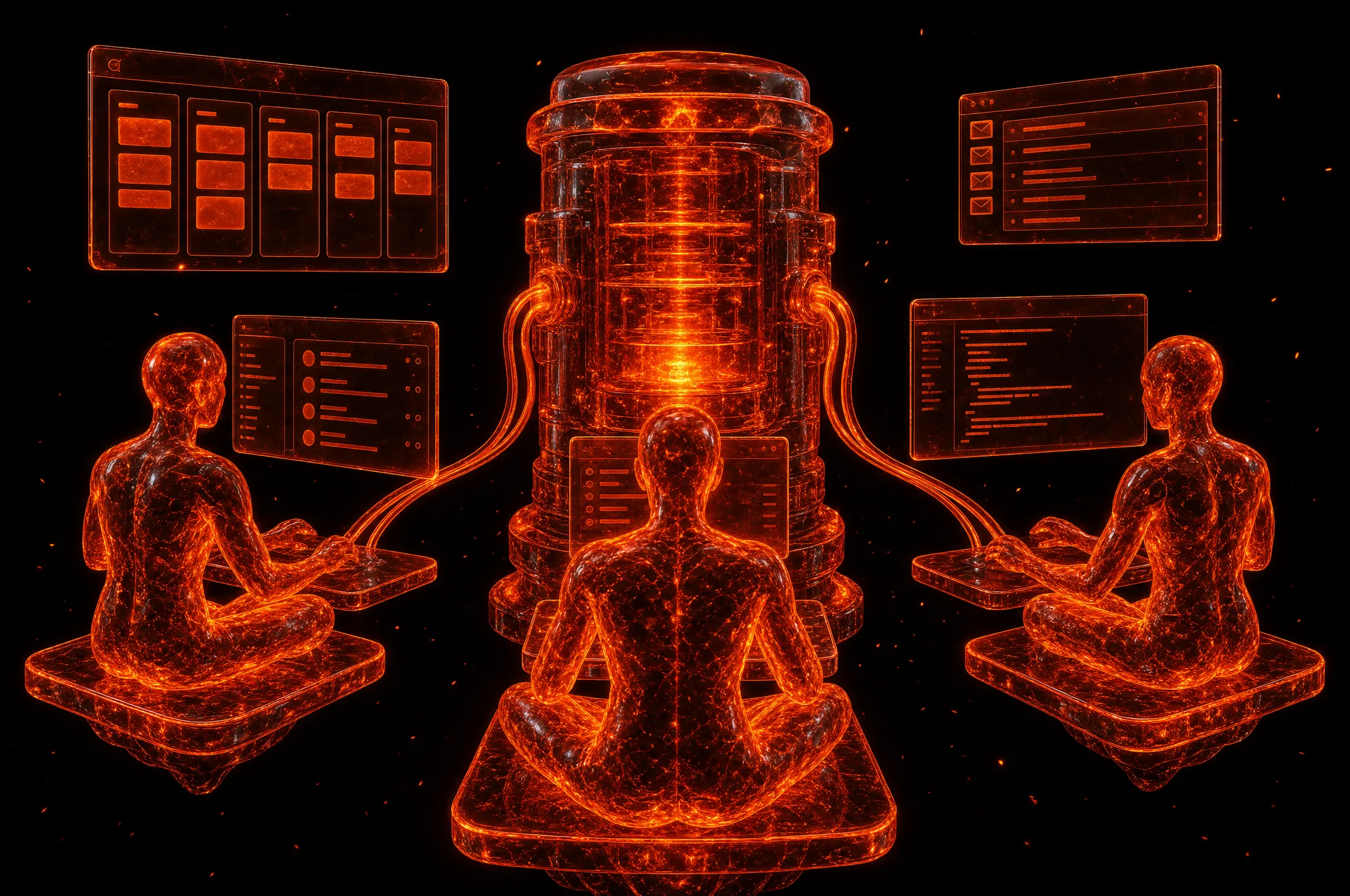
OpenAI launched dots at DevDay on 29 September 2026. A dot is an always-on agent inside ChatGPT, powered by GPT-6 Astra. OpenAI says it has its own cloud computer, can use connected apps, and learns from feedback over time. The important shift is persistence: the work does not have to fit inside one conversation or stop when you close ChatGPT.
A dot can handle a small errand, such as booking a table, but OpenAI positions the same product for long-running engineering, research and chief-of-staff work. It can browse, write and run code, work with files, call connected applications and continue an assignment in the background. OpenAI also describes dots delegating into local and cloud development environments rather than doing every step in one browser session.
Do not confuse the product name with the public title of this guide. OpenAI writes “dots” in lowercase and refers to one agent as “your dot”. “ChatGPT Dots” is an informal label that tells a reader where the product lives. It is not a separate model and it is not a renamed custom GPT.
The useful mental model is a persistent operator with a workspace, not a smarter chat. Give it responsibility for a living outcome, the sources it may use, a cadence, and the actions that still need your approval. If the job ends after one answer, normal ChatGPT is usually enough.
“A chat answers now. A dot keeps the outcome moving after the chat ends.”
- Official product name: dots. One agent is a dot
- Powered by GPT-6 Astra, according to OpenAI
- Runs on an OpenAI-hosted cloud computer
- Available through ChatGPT and named work channels
- Designed for ongoing outcomes rather than one-off answers
First-party launch material
Unlock the Other 9 Chapters
Free with your email. Each new playbook lands in your inbox the day it ships.
- 02Access And Price
- 03How A Dot Works
- 04Set Up Your First Dot
- 05Business Work Worth Delegating
- 06Personal Work Worth Delegating
- 07Prompts That Keep Running
- 08What Launch Week Proved
- 09Guardrails Before Autonomy
- 10The Honest Verdict
Choose The Right Agent
Start with the job, the interface you will actually use, and the data boundary you can defend. Prices and access below are current as at 4 October 2026.
| Agent | Best for | Interface | Runs where | Autonomy | Access and price | Data and control |
|---|---|---|---|---|---|---|
 Grok Bot Grok Bot | Cloud teams and software work | Bot app, desktop and connected tools | A shared cloud computer | Always on, specialist bots can hand work off | Cursor Pro from US$20/mo or SuperGrok from US$30/mo | Vendor-hosted, bots share the computer and its signed-in sessions |
 Instinct Instinct | Personal errands, shopping and persistent chases | Text, phone call and one continuing conversation | Instinct-managed phones and computers | Persistent personal operator with proactive follow-up | Private access, no public first-party price as at 4 Oct 2026 | Vendor-hosted, broad optional access to personal apps and device context |
 Hermes Hermes | A custom agent you can operate and extend yourself | Terminal, desktop and 21+ messaging platforms | Your Mac, Linux machine, server or supported cloud host | Schedules, subagents, skills, memory and multi-profile teams | Open source, model, subscription and hosting costs are separate | Self-hosted by default, control depends on the model and connectors you choose |
| ChatGPT DotsReading now | Ongoing knowledge work inside the ChatGPT ecosystem | ChatGPT, Slack, Teams, voice and limited SMS beta | OpenAI cloud computer plus connected environments | Always-on primary dot that learns from feedback and delegates work | First dot included with eligible Pro or Business Premium plans | OpenAI-hosted, permissions and approval boundaries require active review |
 Meta Muse Meta Muse | Personal assistance and small-business back-office work | Muse app, Mac and connected business services | Meta cloud systems with optional Mac connectors | Background goals, calls, browsing and connector-driven tasks | Free limited tier, Power US$20/mo, Maximum US$100/mo | Meta-hosted, connector permissions are optional and revocable |
Swipe the table sideways to compare every column.

Get A Chief Of Staff Built Around Your Business
Donna is an always-on agent set up around your inbox, calendar, business systems and personal routines, with explicit approval gates and infrastructure you control.
- Business and personal workflows designed together
- Approval required before messages, purchases or commitments
- Your channels, models and tools connected for you
- Ongoing tuning after the first workflow goes live
$3,990 to set up, plus $99 a month to keep her running.
More Playbooks
The Grok Bot Playbook

The Instinct Playbook